
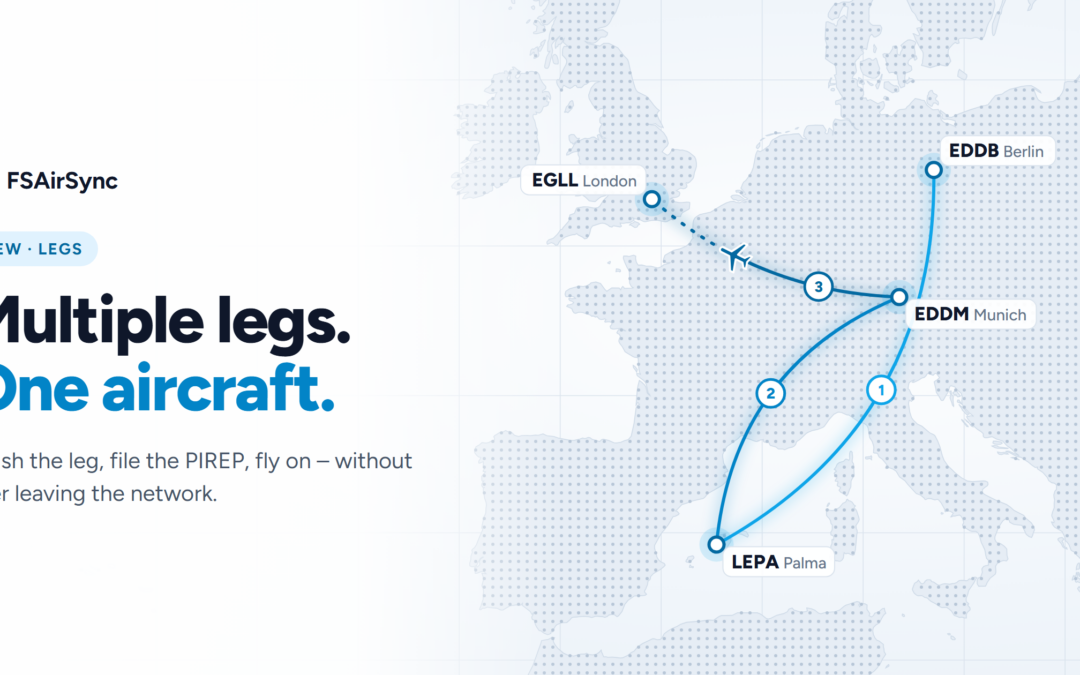
Multiple legs, one aircraft
New in FSAirSync 0.6.10
Before, landing ended your flight. To fly on, you had to end the flight, leave the network and start again from scratch, even if you never left the cockpit. That’s over now.
With the new leg feature, you can fly several legs in a row in the same aircraft. Fly Berlin to Palma, on to Munich, then to London, and stay on the network the whole time.
How it works
- Land and click Finish leg. FSAirSync closes the leg in your logbook. With ACARS, it also files the PIREP. You stay visible to everyone else under your current callsign.
- Load your next OFP or booking. You can switch to a new callsign if the next leg needs one.
- Click Next leg. A new ACARS flight starts, and you’re on your way.
Good to know
- The aircraft type stays the same for all legs. For a different type, end the flight and start a new one.
- If filing the PIREP fails, the leg stays open, and you can simply try again.
- Each leg gets its own PIREP. Its distance is the distance you actually flew.
- When your day is done, end the flight at the gate with the engines off. With Real Stand, the next pilot can then start this aircraft at that parking position.
Update to 0.6.10, and enjoy flying the whole rotation in one go.