Features
More about our roadmap. Listed in no particular order of priority or timing!
Traffic
fsAirsync injects the traffic of other players and VA pilots into your simulator. To match the liveries of injected aircraft as closely as possible, the client uses .VMR files and therefore supports models from FSLTL, FSTraffix, AIG and others. We deliberately chose not to use generic sim models!
Text chat
We provide text chat channels for every airport you depart from and every country you fly over, so you can coordinate with other players about what’s happening at each airport. Be sure to check out our user guidelines as well.
If you’re a member of a virtual airline registered with us, you’ll also find a private text chat for your VA.

Voice chat
Special rules apply on the voice channels, so take a look at them!
There’s a voice channel for every airport and every country. Push-to-talk is mandatory. At airports, the channel acts as the tower/apron frequency, and every country has its own center frequency.
P2P chat
When you need to, reach other pilots directly with player-to-player text chat.
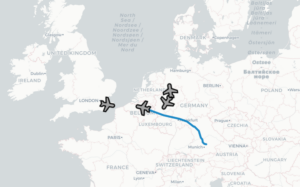
VA communication
Every virtual airline gets its own text and voice channel in fsAirsync. You don’t need an active flight to use these channels, and only VA members can join them.
Pilot rating
We don’t want to overdo it, but a little bit of rating is necessary. You start with a neutral rating and can improve it a bit by logging flight time. To give everyone a reason to be fair and friendly on the network, you can rate other pilots positively or negatively, and they can rate you.


ACARS
phpVMS ACARS. fsAirsync includes a phpVMS-compatible ACARS client that integrates with VA systems. This gives you more than flight tracking and PIREP features: you also get radio and traffic injection across all participating VAs, right in your simulator.
Real Stand feature: pick up the aircraft exactly as the previous pilot left it.